Home » Manage Your Account
Manage Your Account
Online or via SmartHub app, you choose how to self service your PEC account
PEC offers an easy, convenient control center for managing and monitoring your account. Pay your bill, view your electricity use and billing history, report outages, and more, all from your computer, phone, or tablet.
Sign in to your online account below.
Or download the SmartHub app on your mobile device through the App Store (iPhone or iPad) or Google Play (Android devices).


PEC makes it easy!
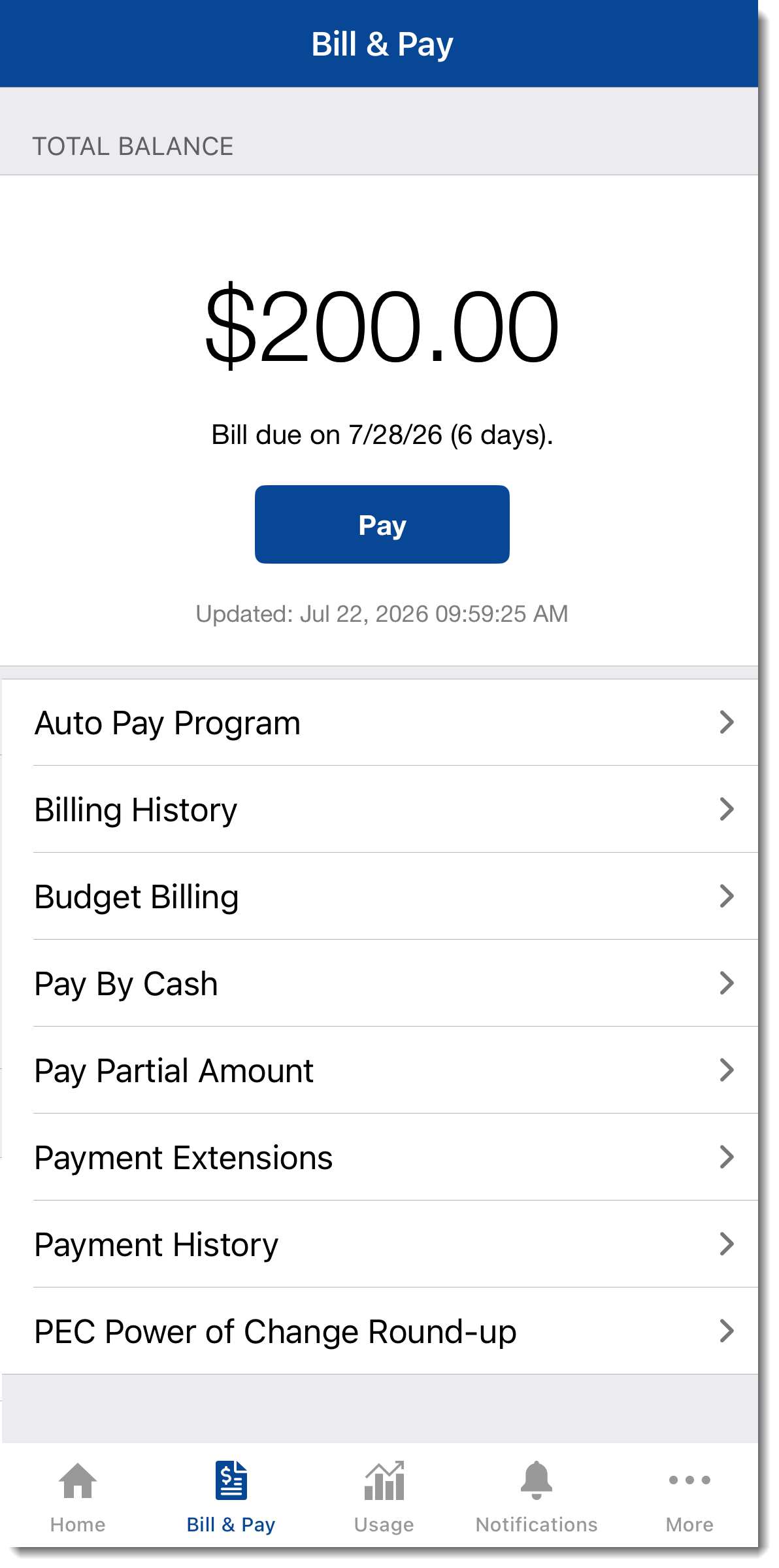
Manage your payment options
You can make payments on any of your PEC accounts from your computer, phone, or tablet. You also can:
- Download your bill (PDF) or review your billing and payment history.
- Sign up for automatic payments. By enrolling in automatic bank draft payments, you’ll also save $1.50 every month.
- Enroll in a budget billing program, which lets you pay an average amount per month instead of paying for high usage amounts in one season and lower usage amounts in another season.
- Request a payment extension.
- Sign up for paperless billing and save $1 a month.
- Enroll in PEC Power of Change.
Monitor your usage
The SmartHub app includes robust energy use analytics, allowing you to monitor and compare energy use over time and against weather data. Tracking your energy use like this lets you see if you’re using more energy than usual and empowers you to make adjustments if necessary.
The Usage screens in the app highlight your most recent daily usage, but also let you look back to previous billing periods. The SmartHub app presents daily, weekly, and monthly totals, as well as detail down to 15-minute intervals, if available.
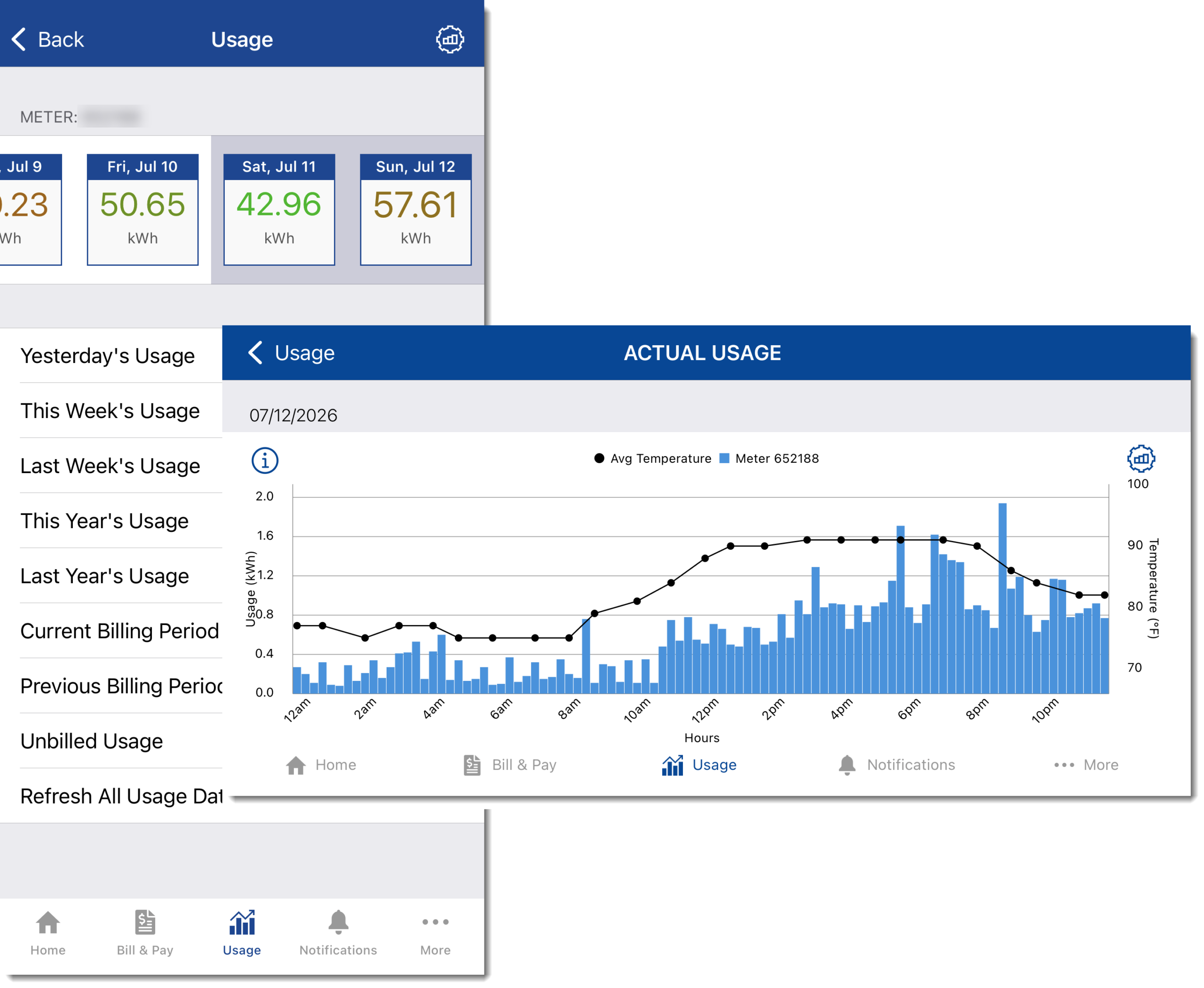
Your account includes robust energy use analytics tools, which allow you to compare energy use over time and against weather data. Tracking your energy use lets you see if you’re using more energy than usual and empowers you to make adjustments if necessary.
Among the tools available:
- Usage Explorer gives you a detailed look at your past and current use, all in one place. View your usage and weather trends by month, day, or hourly intervals, if available. See how usage impacted your last bill, and check how your next bill is shaping up by switching between usage readings and cost.
- Usage Comparison lets you compare usage history on two bills to see variations.
- Average Usage shows your typical or average usage for your selected time period. For example, see your average usage for a day of the week (such as Tuesdays) over the course of a year. Or, see your typical use in each hour of the day over the course of two weeks. Discover when you can save the most on your utility bill.
- Usage Management lets you download usage readings in either Green Button or CSV format. The time-of-use calculator uses your recent history to determine if a time-of-use rate might be right for you.
- Usage Tracking enables you to create markers for a point in time to help you keep track of the differences in your usage. For example, set an energy marker to see how installing a new water heater or upgrading an appliance affected your use.
Keep in touch
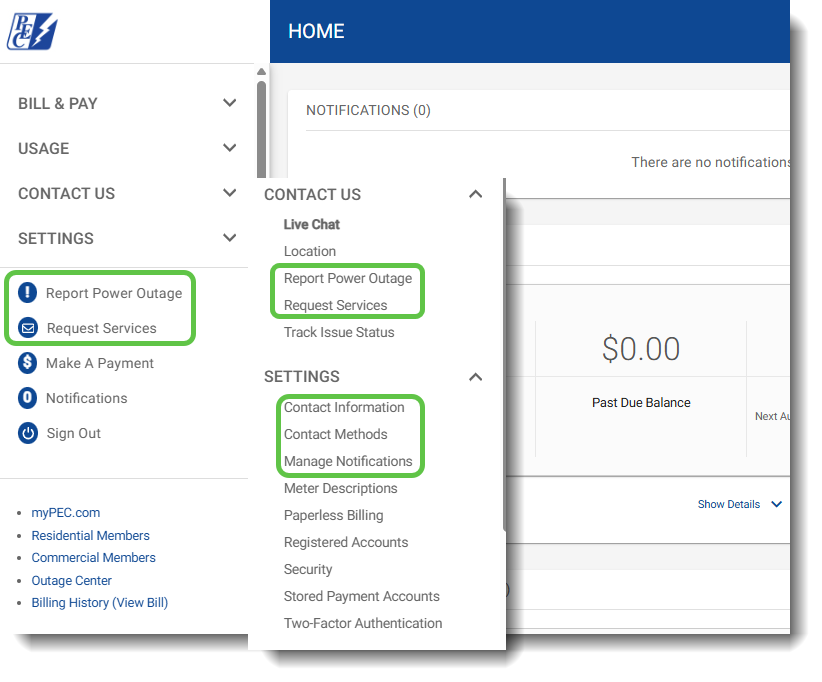
Your online account and the SmartHub app are excellent options for contacting PEC, but you also can use these tools to manage how and when PEC should contact you.
- Outage reporting is a click away on your account home screen, or under Contact Us. Select your service location and add comments to report quickly and efficiently.
- For other questions or issues, from billing and technical inquiries to suspected scam attempts, request services online.
- Under Settings, use the contact information screen to request an update to your billing address or add or update a phone number.
- Manage contact methods under Settings to add a contact phone number or email address just for account notifications.
- Manage notifications under Settings to select which account reminders and transaction notifications you’d like to receive, and whether you prefer to be notified by email or text.
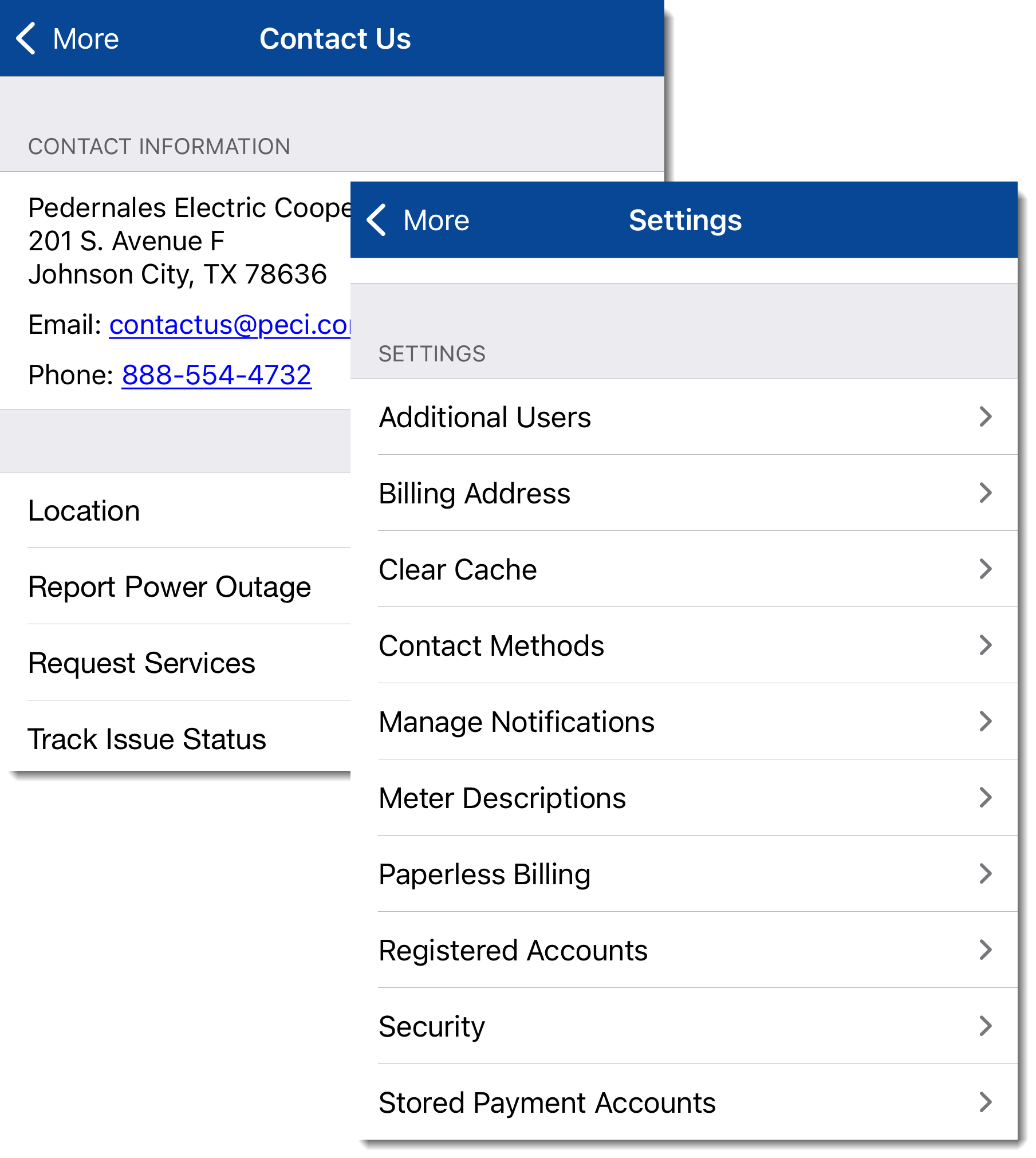
Sometimes you may need to reach us in a hurry, and your online account or the SmartHub app are excellent options, but you also can use these tools to manage how and why we should contact you.
- Outage reporting is a tap away on the SmartHub app home screen, or under Contact Us. Select your service location and add comments to report quickly and efficiently.
- For other questions or issues, from billing and technical inquiries to suspected scam attempts, got to Contact Us and Request Services.
- Use Billing Address under Settings to request an update to your mailing address or add or update a phone number.
- Manage Contact Methods under Settings to add a contact phone number or email address just for account notifications.
- And use Manage Notifications under Settings to select which account reminders and transaction notifications you’d like to receive, and whether you prefer to be notified by email or text.
Request new service or disconnect service
Moving is hard. Getting power doesn’t have to be. Review the information here to ensure you have everything you need to set up your service and sign up online.
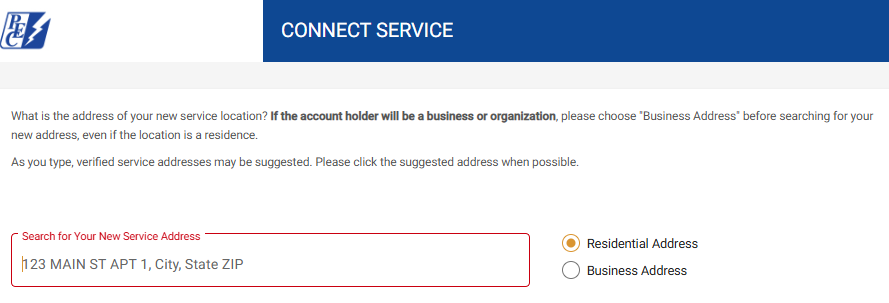
And if the time comes to disconnect service, we make that simple too. The video below shows you how.
Set up your account
Emergency text alerts
Stay up-to-date in an emergency by listing your mobile number in your account
Secure your account with two-factor authentication
Add an extra layer of protection to keep your account safe with two-factor authentication (2FA). After entering your password, you’ll receive a unique code via email, text message, or an authenticator app. Simply enter the code to confirm it’s really you.
Login to enable 2FA here.
Add an extra layer of protection to keep your account safe with two-factor authentication (2FA). After entering your password, you’ll receive a unique code via email, text message, or an authenticator app. Simply enter the code to confirm it’s really you.
Learn how to enable 2FA with the following videos:
- Web
- SmartHub app (Apple/iOS)
- SmartHub app (Android)